
50+ ATS systems. One score.
Every feature on this page exists to solve one problem: getting your resume parsed, ranked, and read. No filler, no design toys — a systematic capability set built around algorithmic submission confidence.
Parser-tested across every major ATS
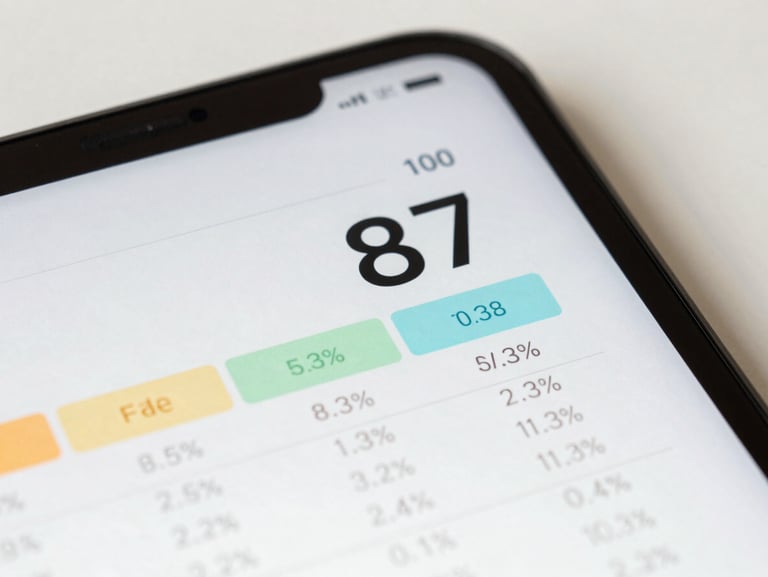
Scored against 50+ tracking systems, not formatting rules
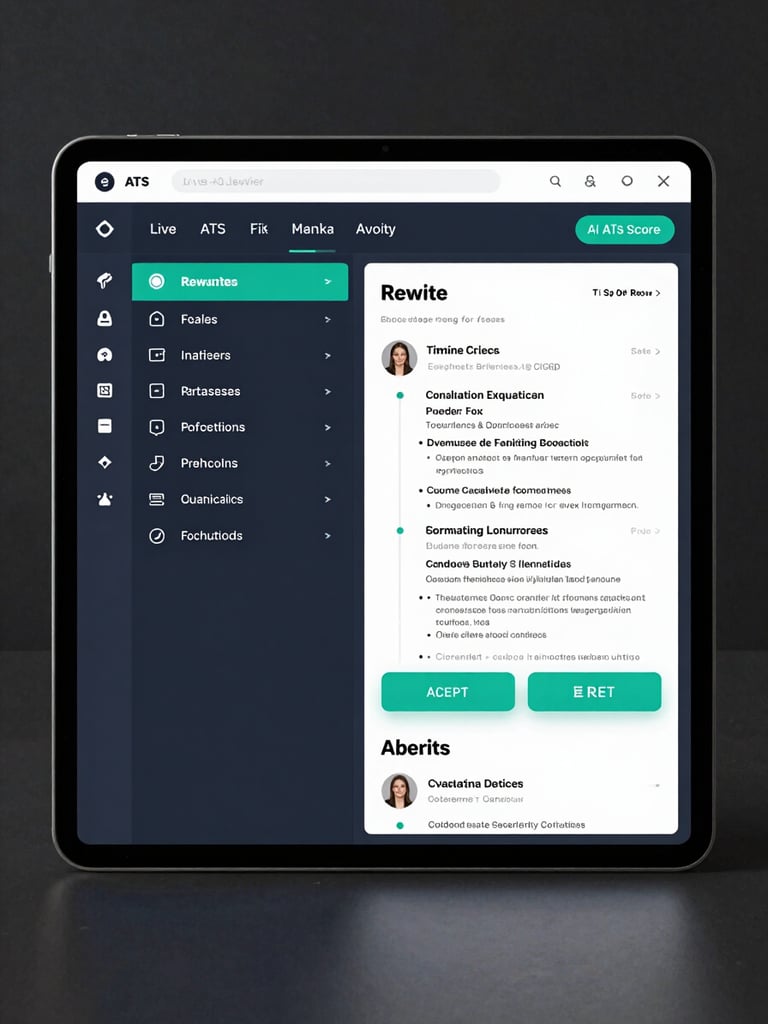
The scoring engine runs your resume against real ATS parser behavior — keyword density, section labeling, field extraction — and returns a numeric confidence score with line-by-line fix flags.
Scoring updates live as you edit. No manual re-runs, no guesswork on which change moved the needle.
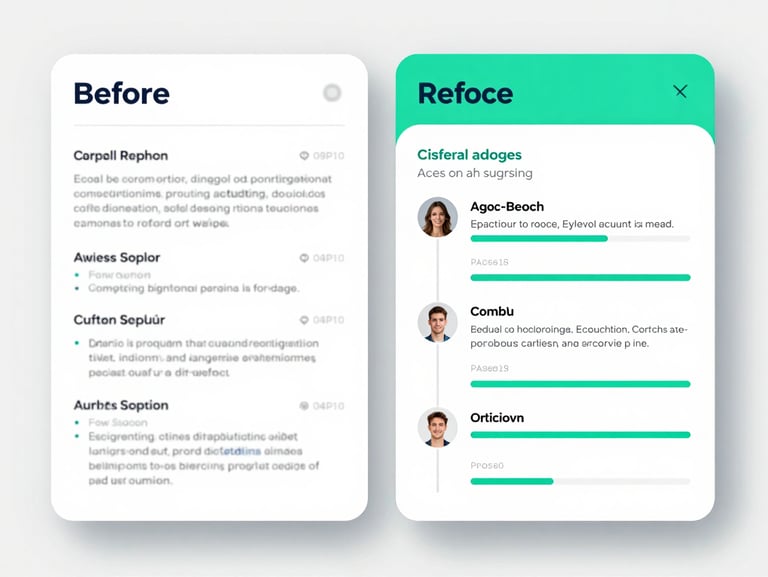
Rewrite any section in two minutes flat
AI-generated summaries, achievement bullet rewrites, and skills gap suggestions run at the section level — not the document level. Change one block without destabilizing the rest.
Grammar correction and phrasing enhancement apply automatically. Accept, reject, or iterate — one click per suggestion.
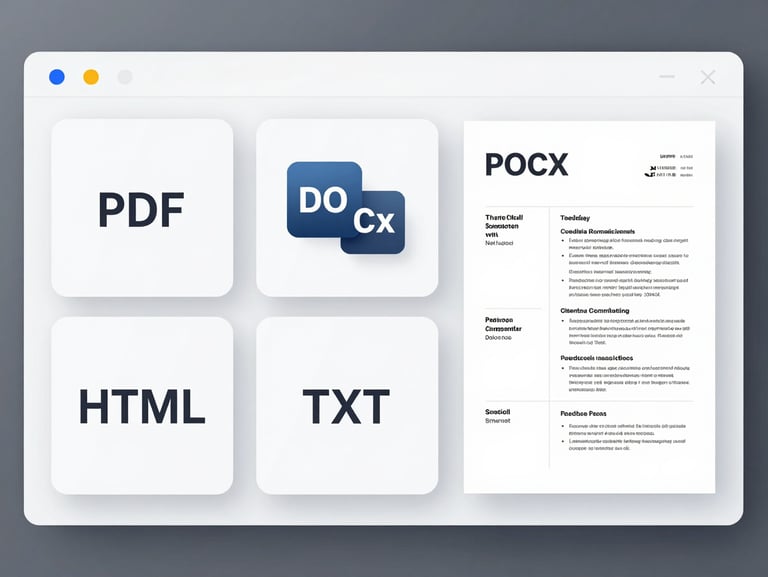
PDF, DOCX, HTML, TXT — one-click output
Export to any format without reformatting. The same layout renders to a pixel-perfect PDF, a clean DOCX an HR system can parse, and an HTML public link — all from one source document.
QR code sharing, public resume links, and one-click print are included on every plan.
Optimizes for the machine. Readable by the human.
The AI layer runs two passes: one for ATS keyword alignment and field extraction confidence, one for human-readable phrasing and achievement framing. Both run simultaneously.
Cover letter generation, job description matching, and multilingual output all draw from the same engine — no separate tools to learn.
Version history captures every AI-assisted edit automatically. Roll back any section to a prior state without losing the current draft.
Import once. Edit everywhere.
LinkedIn import
CV parser and version history
Collaboration and multilingual output
Pull your LinkedIn profile directly into the editor. Sections map automatically — experience, education, skills, certifications. No copy-paste, no reformatting.
Upload an existing PDF or DOCX and the parser extracts all sections into editable fields. Every subsequent save creates a versioned snapshot — restore any prior state in one click.
Share a live editing link for real-time collaboration. Export in 12 languages — the AI adapts phrasing for regional job market conventions, not just translation.
All imports, exports, and collaboration sessions are covered by end-to-end encryption, rate limiting, and cloud-backed auto-save. Your data is never stored in an unencrypted state.