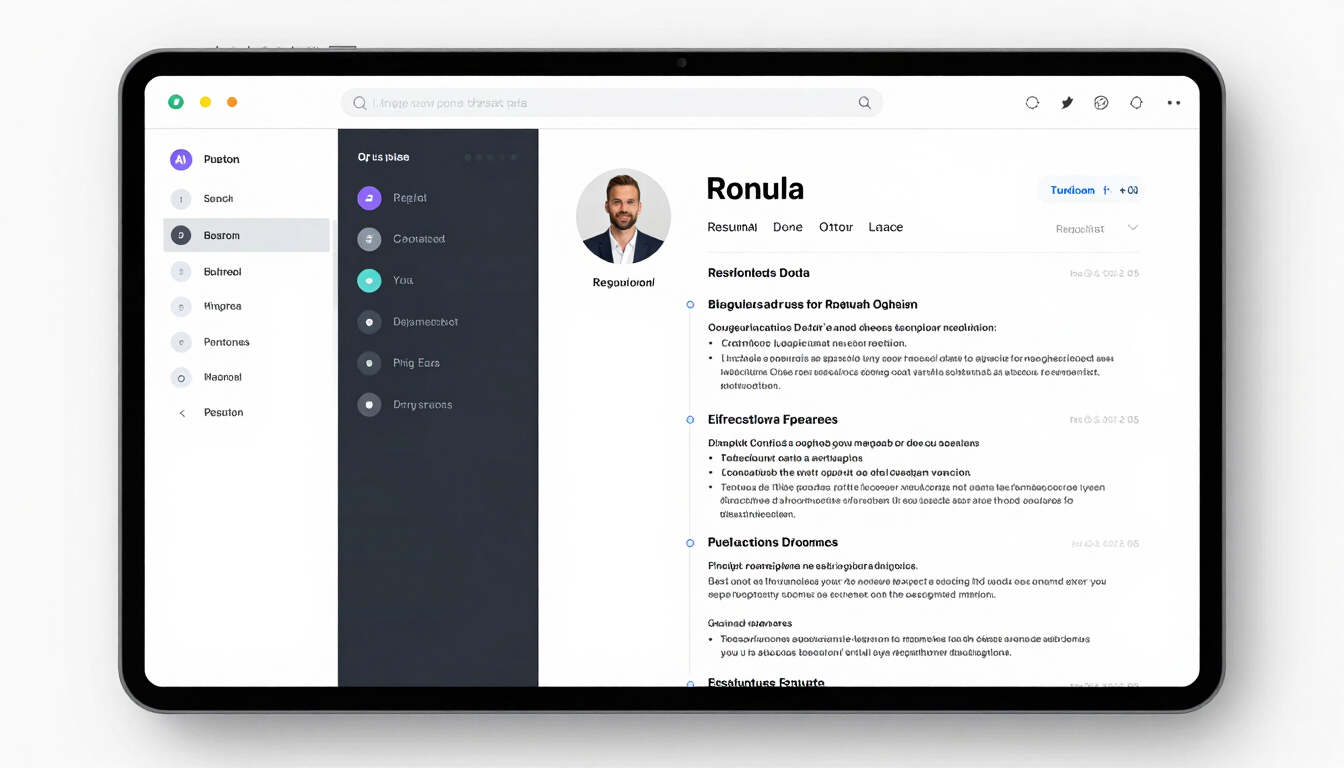
Full-width high-key product screenshot of the ResumeAI editor interface: a split-panel layout showing a resume document on the right with live formatting, and a left sidebar with drag-and-drop section handles and AI suggestion chips visible. Clean studio lighting, no shadows, white background inside the UI chrome. Tight crop showing the full editor at 1440px width, no humans, no office context.
/ ATS-first AI editor

Build a parser-tested resume in minutes.

Upload an existing file or start from scratch. The AI rewrites, scores, and flags — you export a submission-ready PDF or DOCX.
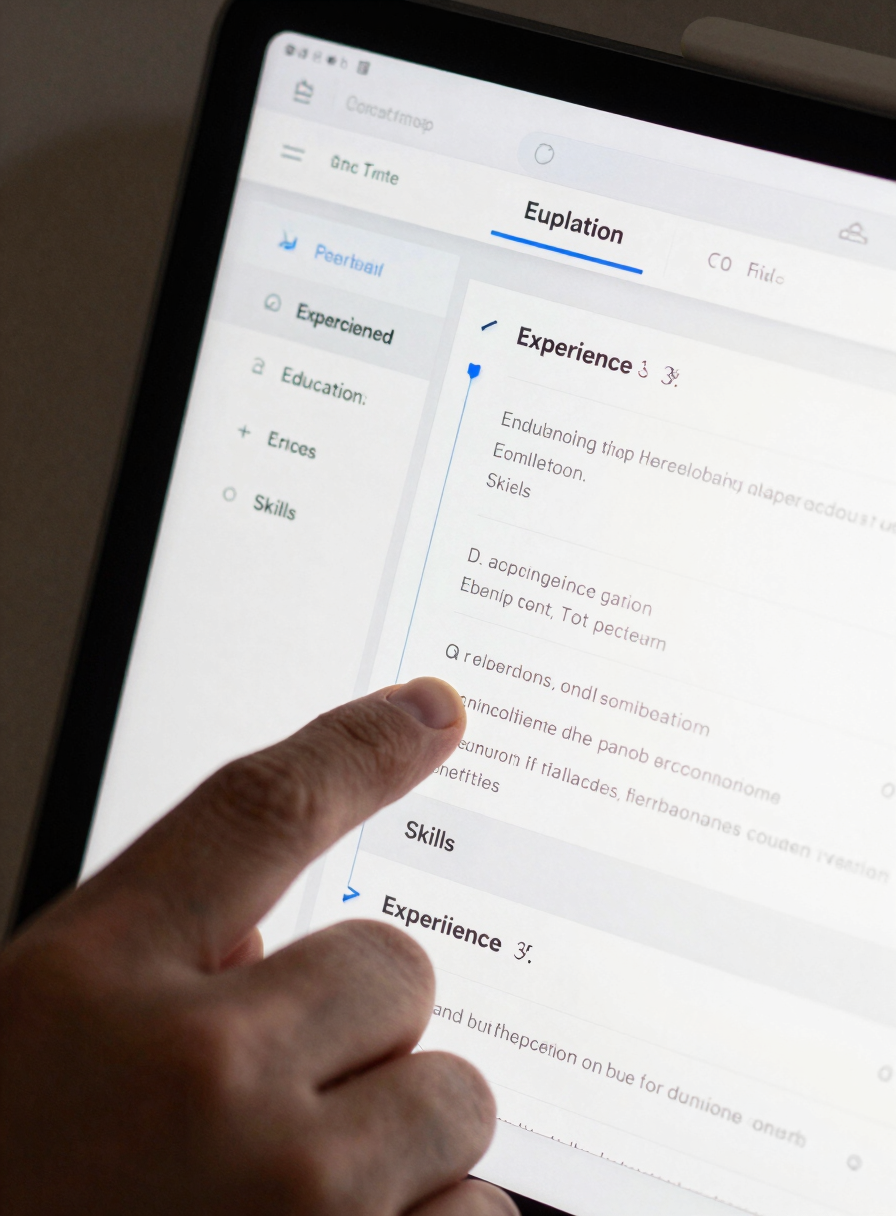
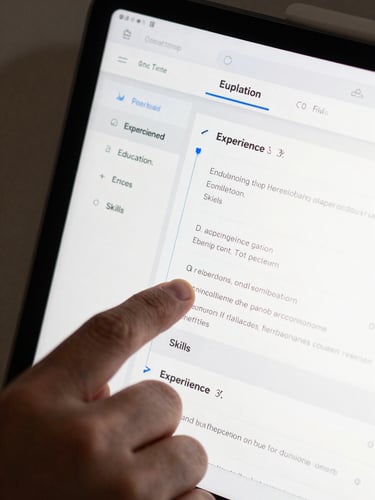
Close-up product screenshot of the resume editor drag-and-drop interface: a section handle being dragged — the 'Experience' block mid-motion between 'Education' and 'Skills', with a blue insertion indicator line visible. The live preview panel on the right reflects the reordered layout in real time. High-key clean UI screenshot lighting, no humans, no office environment, tight crop on the interaction detail.
— Drag-and-drop editor

Rearrange sections. See the result instantly.

01 Live preview
02 Section reordering
03 Auto-save

Every drag, edit, and font change reflects in the preview pane immediately. No refresh, no modal confirm.

Drag any block — Experience, Skills, Projects, custom — to any position. The ATS score recalculates automatically.

Changes write to the cloud on every keystroke. Close the tab, return tomorrow — nothing is lost.
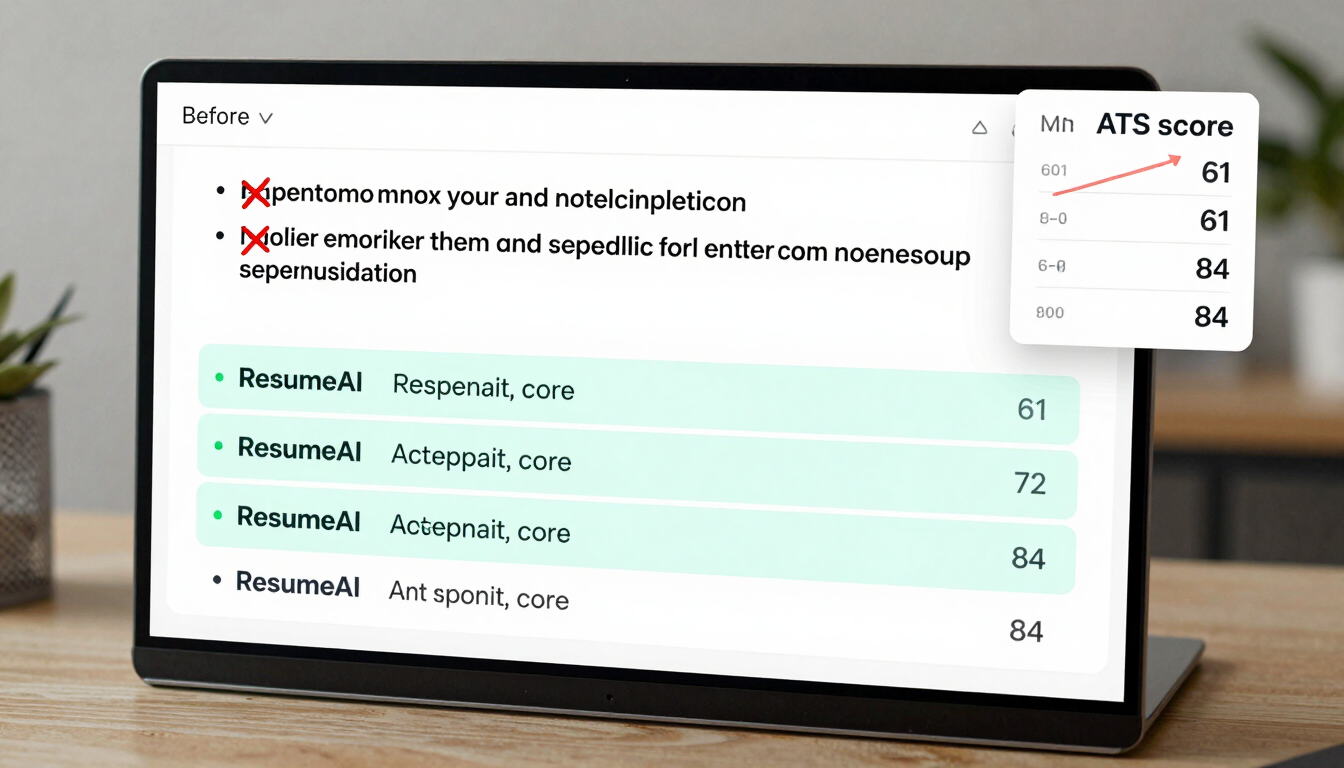
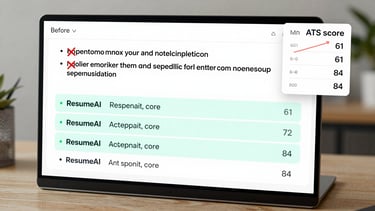
Wide product screenshot showing the AI suggestion overlay panel inside the ResumeAI editor: a before-and-after comparison of a bullet point with red strikethrough on the weak original and three teal-highlighted replacement options ranked by ATS score. An ATS score card in the upper-right corner shows a numeric score increasing from 61 to 84. High-key clean studio lighting, no humans, no office context, tight crop on the AI overlay detail.
+ AI rewrite tools

The AI flags ATS failures before you send.

Three AI layers run in parallel: phrasing quality, keyword alignment, and parser compatibility. Each surfaces actionable fixes, not vague scores.

Summary generation
Bullet rewrite
ATS score panel

Paste your job title and years of experience. The AI drafts a three-sentence summary aligned to the target role's keyword density.

Highlight any bullet point and choose Rewrite. The AI returns three stronger variants with action verbs and quantified impact.

A live score card shows keyword gaps, parse errors, and section ordering issues — updated on every edit, not just on export.
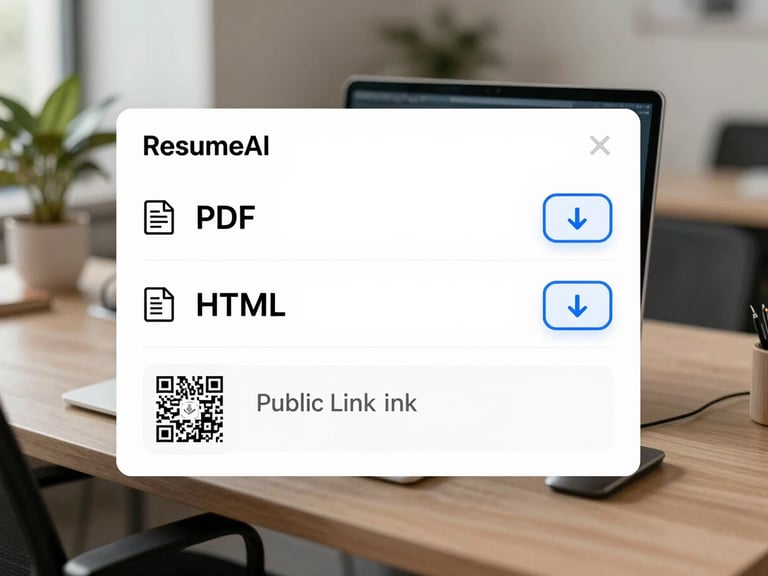
Product screenshot of the export dialog inside the ResumeAI editor: a clean modal showing three format options — PDF, DOCX, HTML — each with a file-type icon and a download button. A QR code and public link field visible below. High-key clean UI screenshot lighting, no humans, no office environment, tight crop on the export modal detail.
▸ One-click export

PDF, DOCX, or HTML — ready to send.

No account required to start. Export to PDF or DOCX the moment you finish. Share a public link or download for direct submission.