
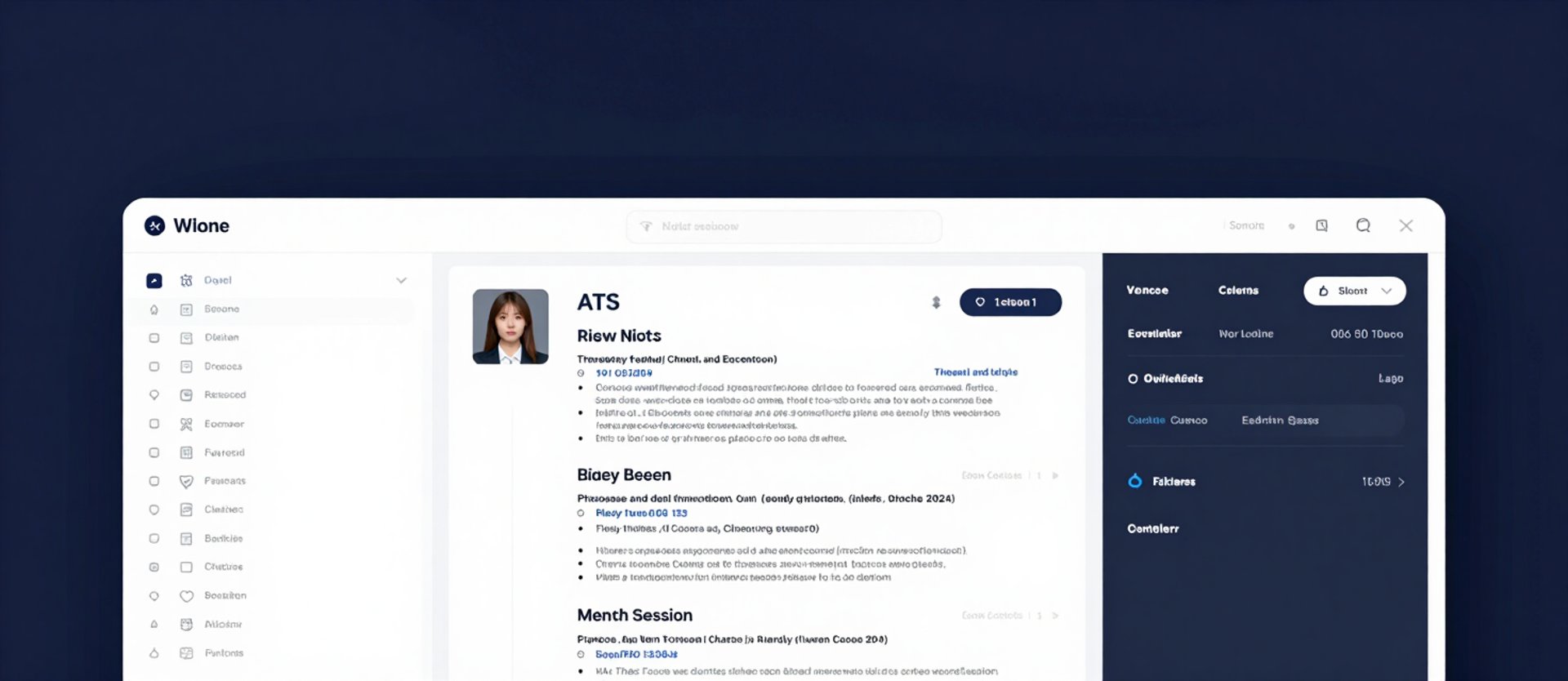
— Your command center

Every resume, score, and version. One panel.

No file hunting. No version confusion. Your resumes, cover letters, and ATS scores are indexed, versioned, and ready to export the moment you need them.
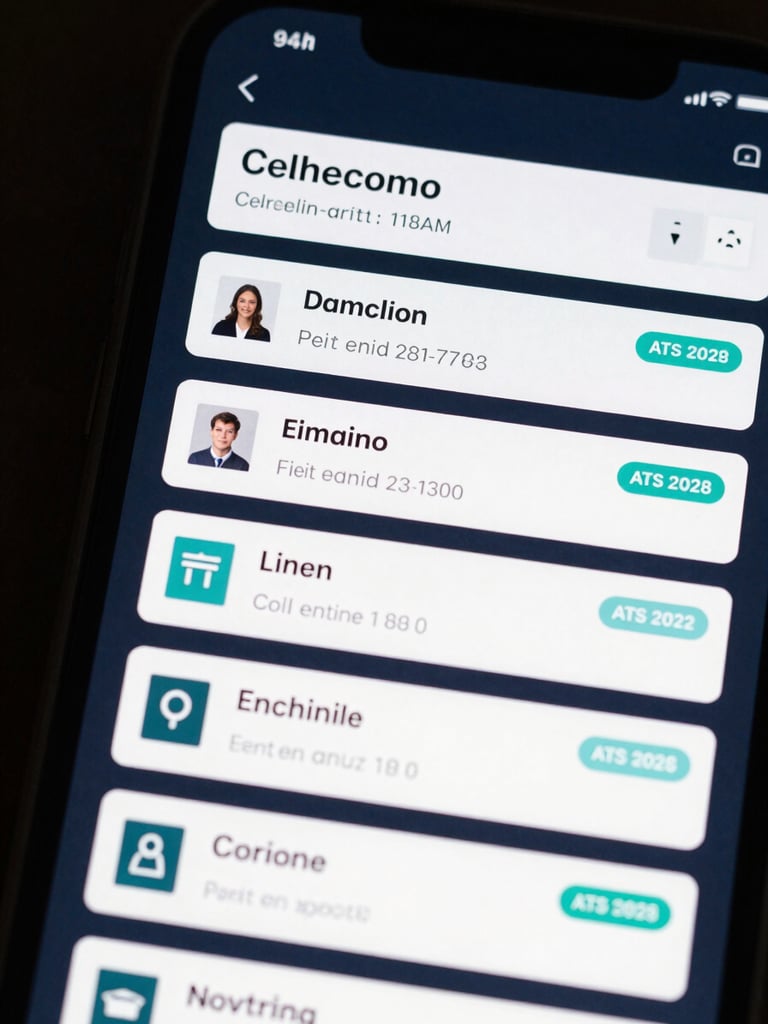
Close-up app screenshot of a dark-mode resume library panel — list of resume cards each showing document title, last-edited timestamp, ATS score badge in teal, and version number tag, deep navy background, high-key interface lighting, no humans, tight crop on the file list UI filling the frame edge to edge
/ Unified document panel

All your documents. Zero file hunting.

Resumes, cover letters, and version history sit in a single indexed panel. Switch between drafts, restore a previous version, or duplicate a document in two clicks.
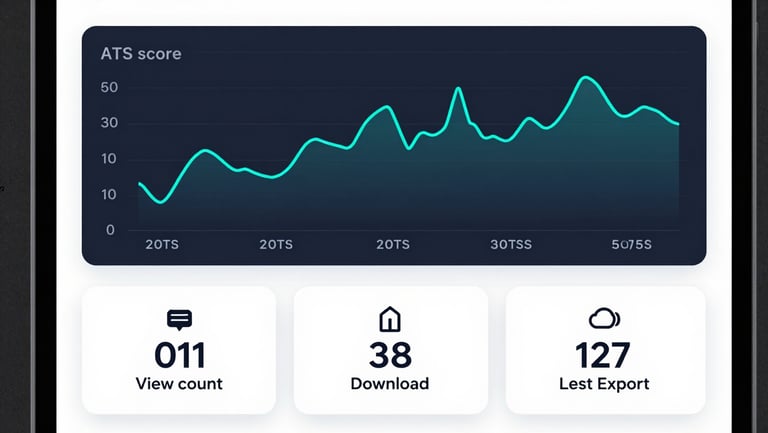
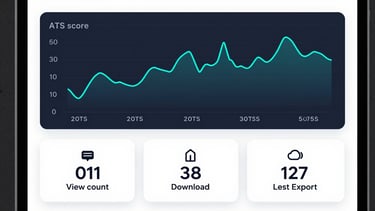
Wide app screenshot of a resume analytics dashboard panel — line chart showing ATS score trajectory over five weeks with teal data line on dark navy background, below it a row of three metric tiles showing view count, download count, and last-export timestamp, high-key interface lighting, no humans, clean studio clarity, tight crop on the metrics UI
▸ Resume analytics

Score trends. View counts. Download events.

Track ATS score changes across edits, see how many times your public resume link was viewed, and log every download with a timestamp.
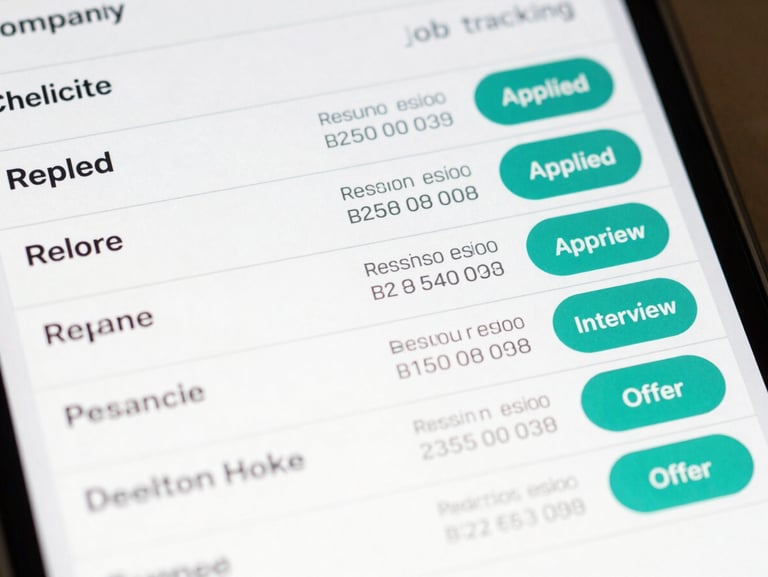
Close-up app screenshot of a job tracking table — rows listing company name, role title, resume version tag, submission date, and a status pill (Applied, Interview, Offer) on a light surface background, teal accent on active status pills, clean high-key lighting, no humans, tight crop on the table rows
+ Application-linked versions

Each resume version tied to the job it was sent with.

The job tracker logs every application alongside the exact resume version submitted — company, role, date sent, and current status — so you never send the wrong draft twice.